
Live Photo video maker
LiveCollage
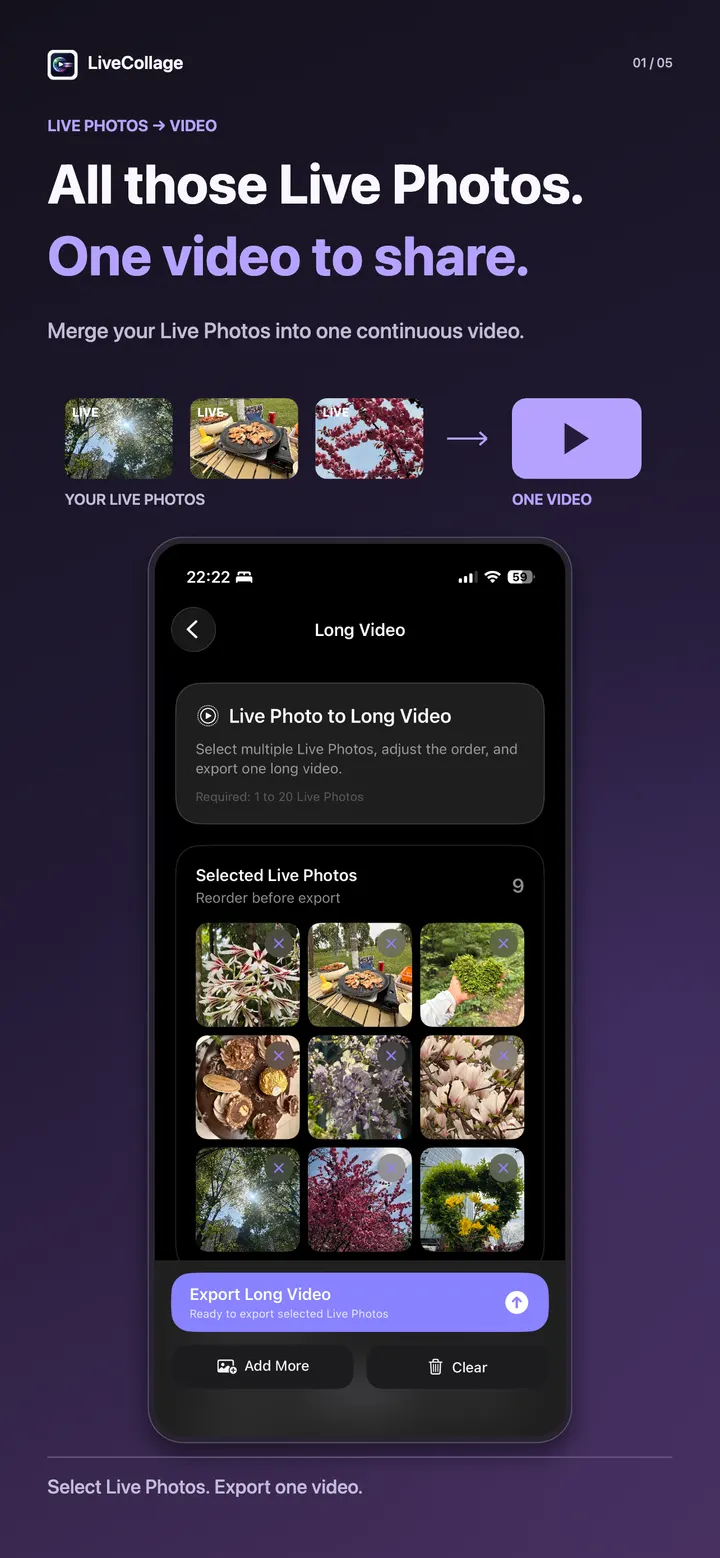
All those Live Photos. One video to share.
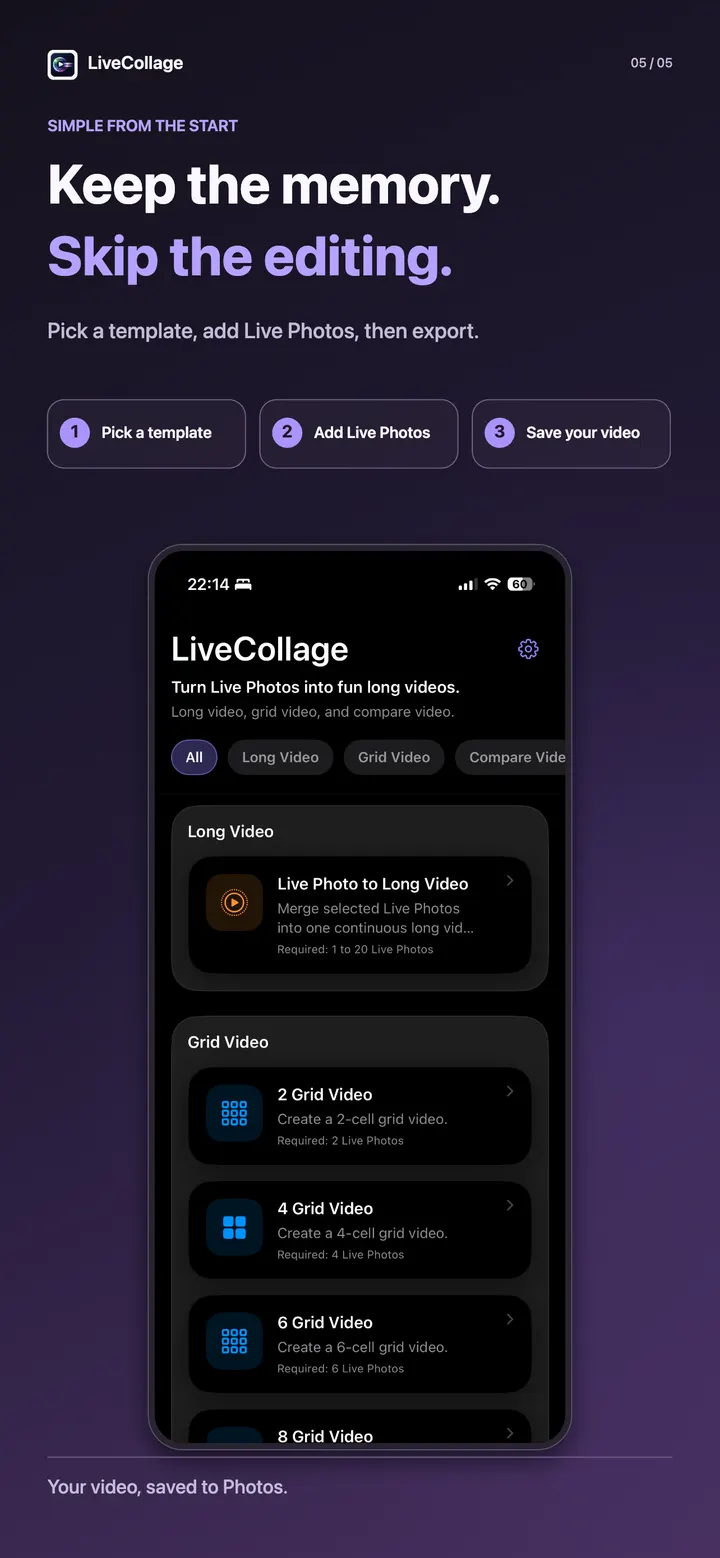
Bring a day out, a gathering, or everyday moments together with LiveCollage. Pick a template, add your Live Photos, and save a long video, moving grid, or comparison video to your photo library. Only Live Photos are supported as input.
01 — What it does
All those Live Photos. One video to share.
Turn scattered Live Photos into one video, a moving grid, or a split-screen memory to share.
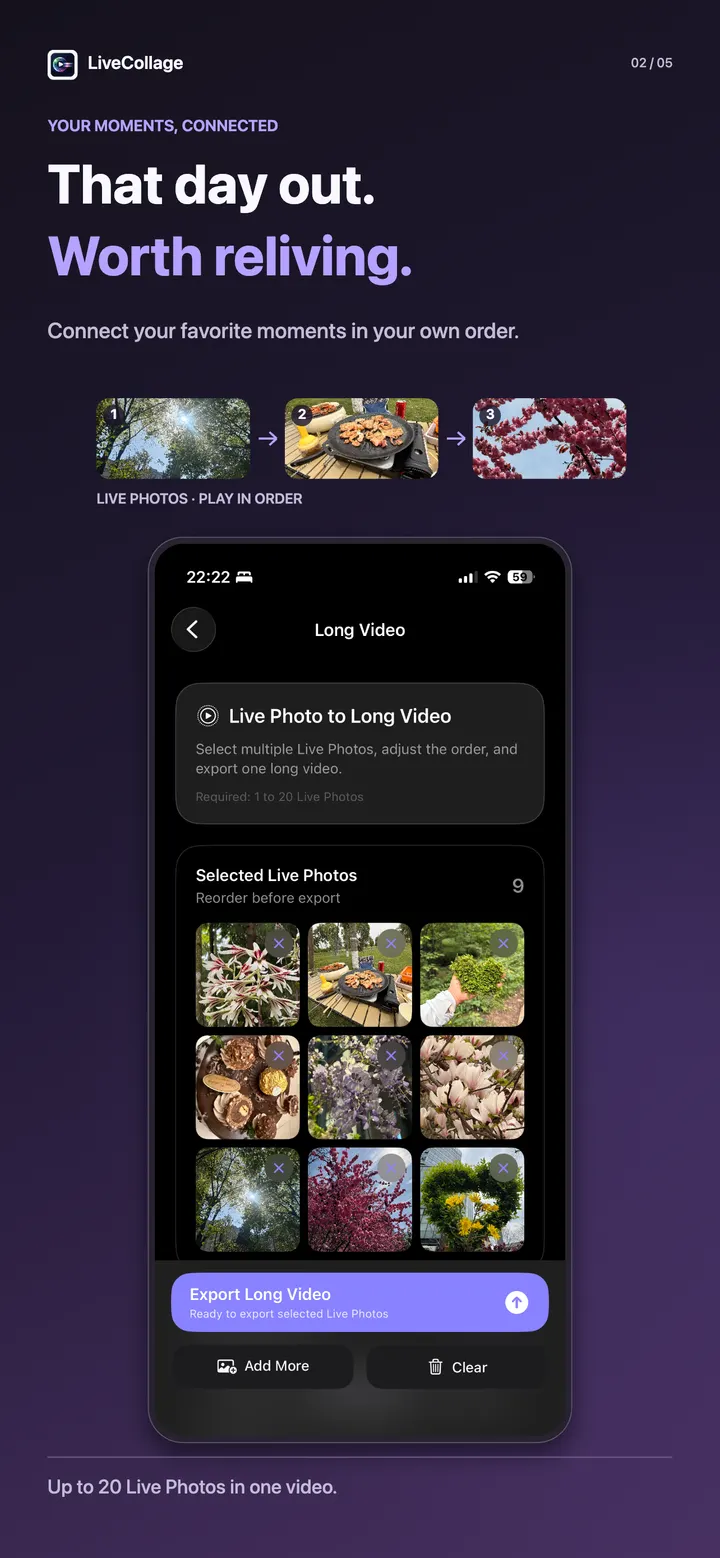
One continuous video
Join up to 20 Live Photos in order to relive a day out or bring everyday moments together.
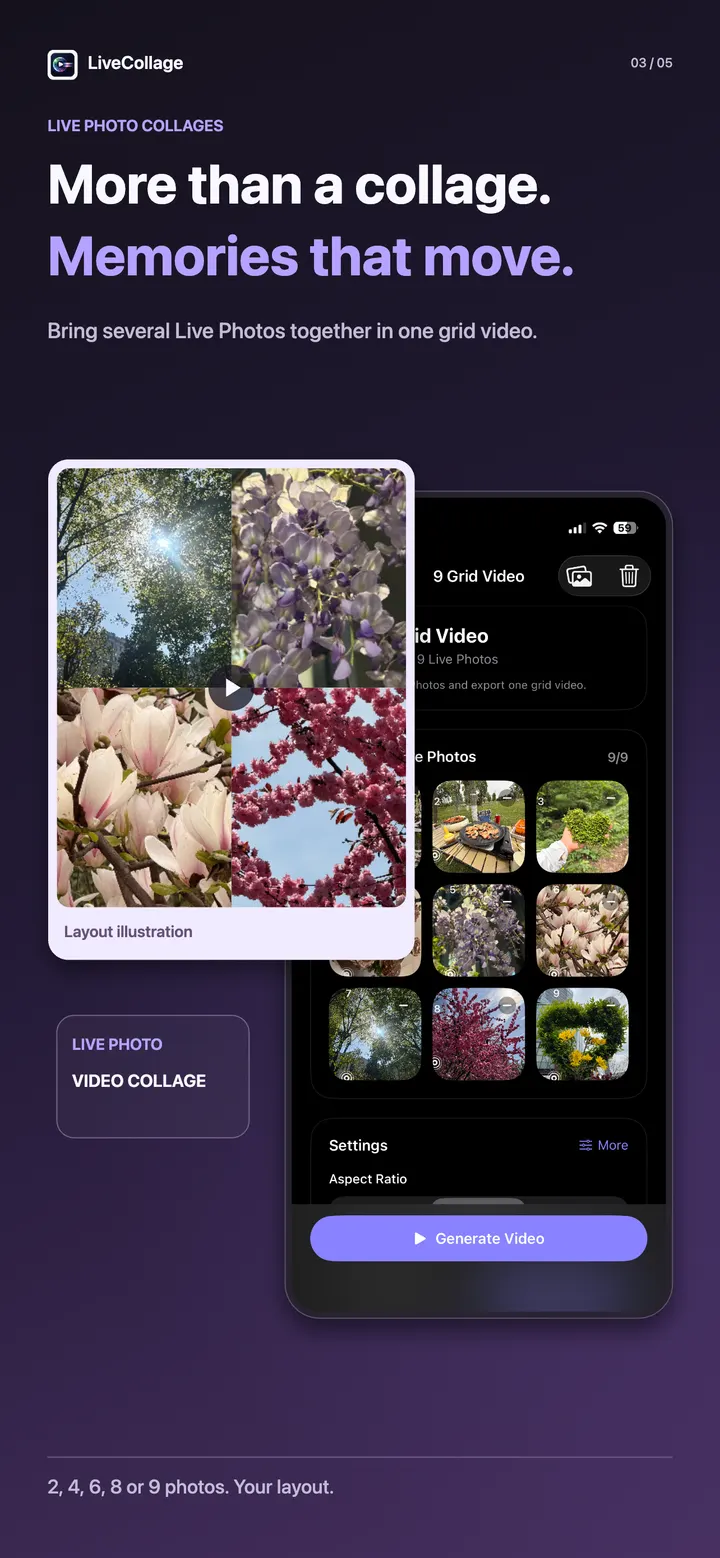
Memories that move
Create 2, 4, 6, 8, or 9-cell video grids and show several Live Photos in one moving collage.
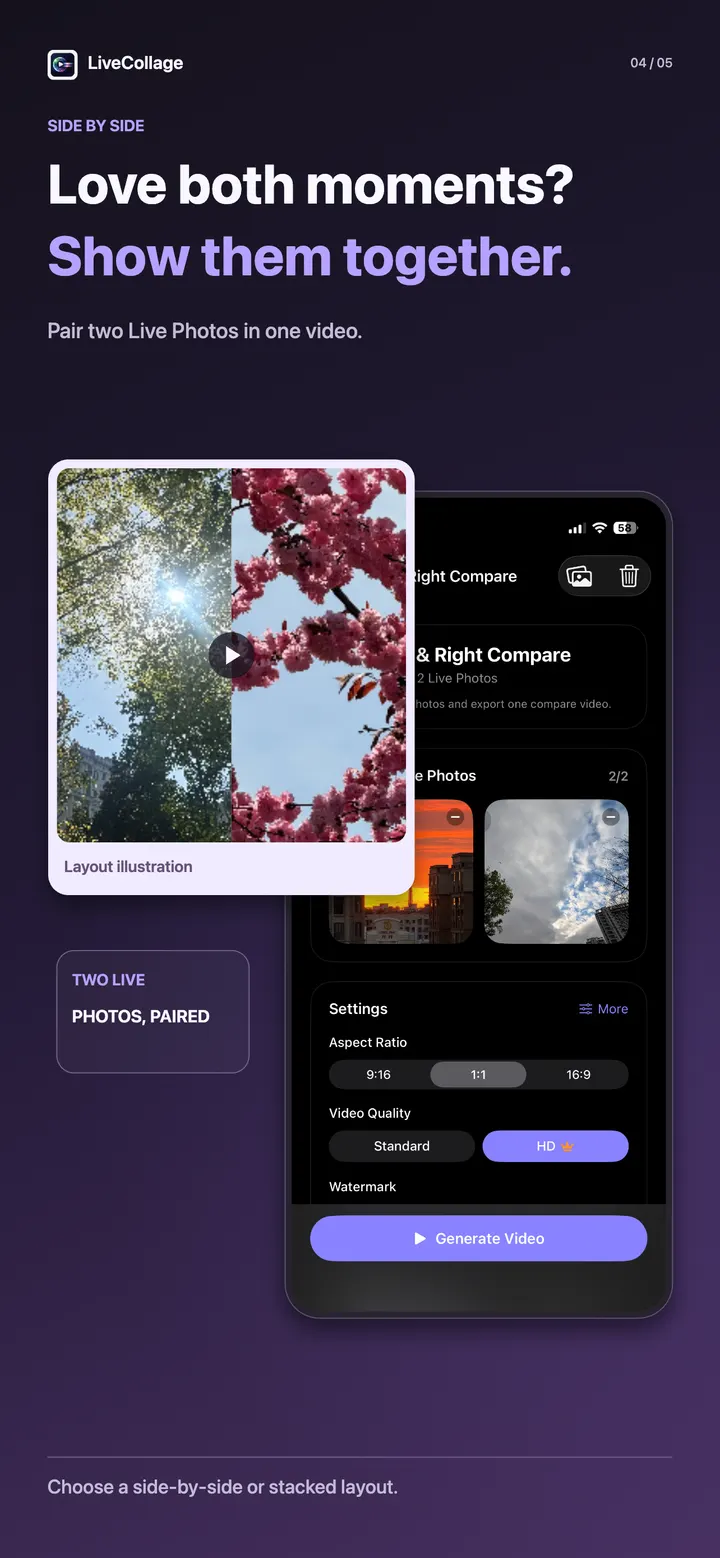
Two moments together
Place two Live Photos side by side or top to bottom for paired memories and before-and-after comparisons.
Play together or in order
Grid and comparison templates let you choose simultaneous or sequential playback.
Choose the sound
Audio options depend on the template and playback mode: mute, primary audio, or mixed audio. Mixing is available with simultaneous playback.
Save and share
Export in 9:16, 1:1, or 16:9 and save directly to your photo library. Some advanced features, including HD export, require Pro access.
02 — A closer look
See LiveCollage in action.
03 — Made for real moments
Built around the moment you need it.
- Relive trips and gatherings
- Keep pet, baby, and everyday moments
- Create moving collages and split-screen comparisons
- Make short videos to share
Privacy
Your content stays close.
Your Live Photos are processed on your device. They are not uploaded by MingLabs for video generation.
04 — More from MingLabs